Stump – Play, Complete
Tasks & Earn Rewards
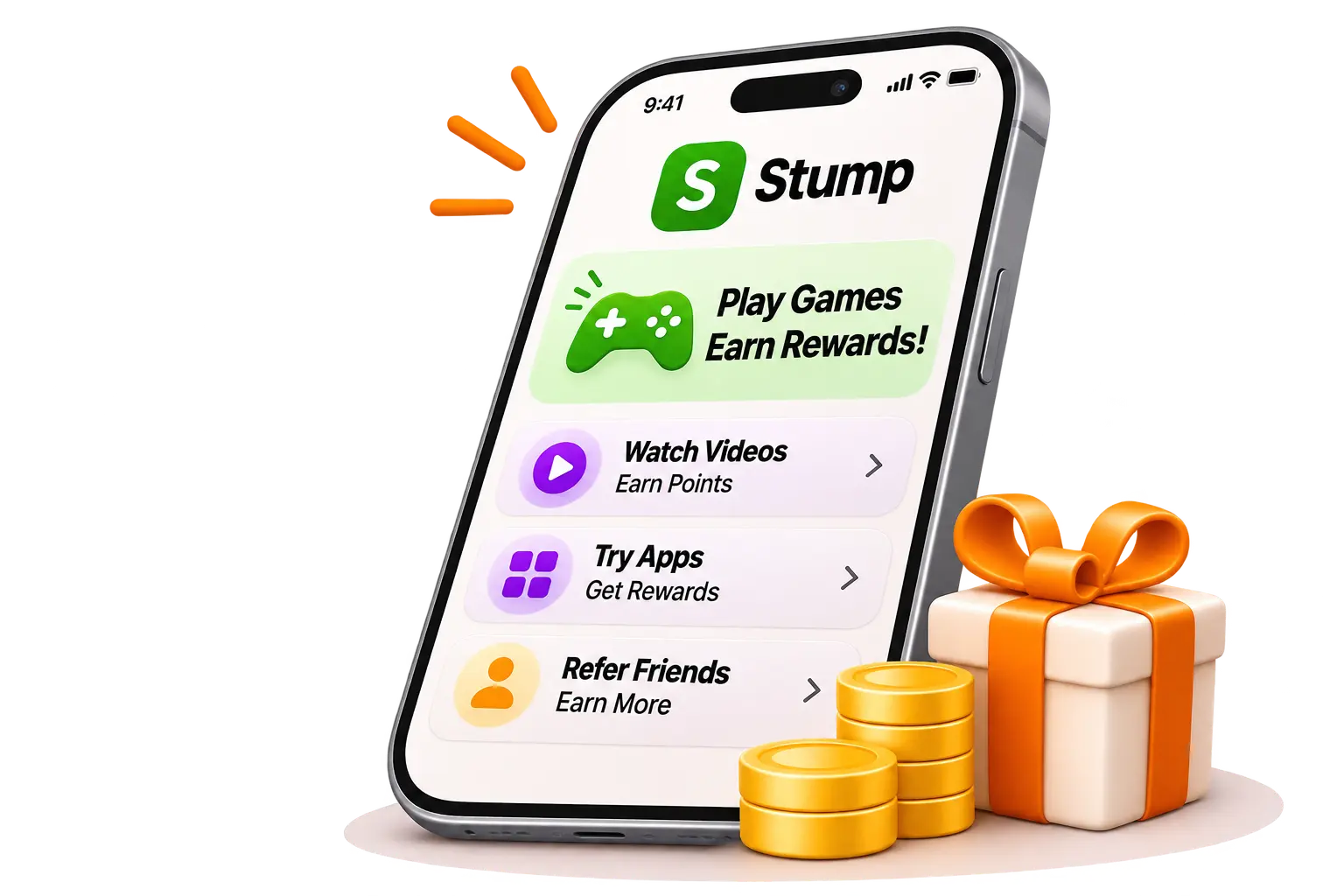
Play games, complete tasks and invite friends with Stump. Explore activities and rewards in the Android app.
ANDROID INSTALLATION
Get Stump on your phone
Four steps from download to your first task.
- Step 1
Download the APK
Tap Download Stump APK. Open the downloaded file on your Android phone.
- Step 2
Allow this source
If Android asks, tap Settings and allow installs from the browser or Files app you used.
- Step 3
Tap Install
Open the APK and tap Install. If Play Protect blocks installation, review the warning. You can optionally turn scanning off using the guide below, retry installation, then turn scanning back on.
- Step 4
Open Stump
Once installation finishes, tap Open. You’re ready to get started with Stump.
Illustrated steps. Settings and screen names may vary by phone.
Installation blocked by Play Protect? View optional steps
Google recommends keeping Play Protect on. Turning off scanning reduces protection for all apps on your device. This is a separate setting from allowing APK installs.
- Open Google Play Store
Find the Play Store app on your Android phone and open it.
- Tap your profile icon
You’ll find it in the upper-right corner.
- Go to Play Protect
Choose Play Protect, then tap its Settings gear.
- Choose on or off
Use the “Scan apps with Play Protect” switch to turn scanning on or off.
If you choose to turn it off, return to the same setting and turn scanning back on after installation. These steps do not establish that a blocked APK is safe.
Read Google’s Play Protect guideHow to Earn with Stump?
Start earning in 3 simple steps.
- Step 1
Get the App
Download and install Stump on your Android phone.
- Step 2
Complete Tasks
Choose an available game or task and follow its steps.
- Step 3
Earn Rewards
Complete activities and explore the rewards available in Stump.
Why Choose Stump?
Explore tasks, referrals and rewards with Stump.
Real Rewards
Explore the rewards available for tasks and referrals.
Simple Steps
Follow the task and referral instructions in the app.
Easy to Use
Find tasks and referral options in one app.
Fun & Engaging
Play games and complete different tasks to earn more.